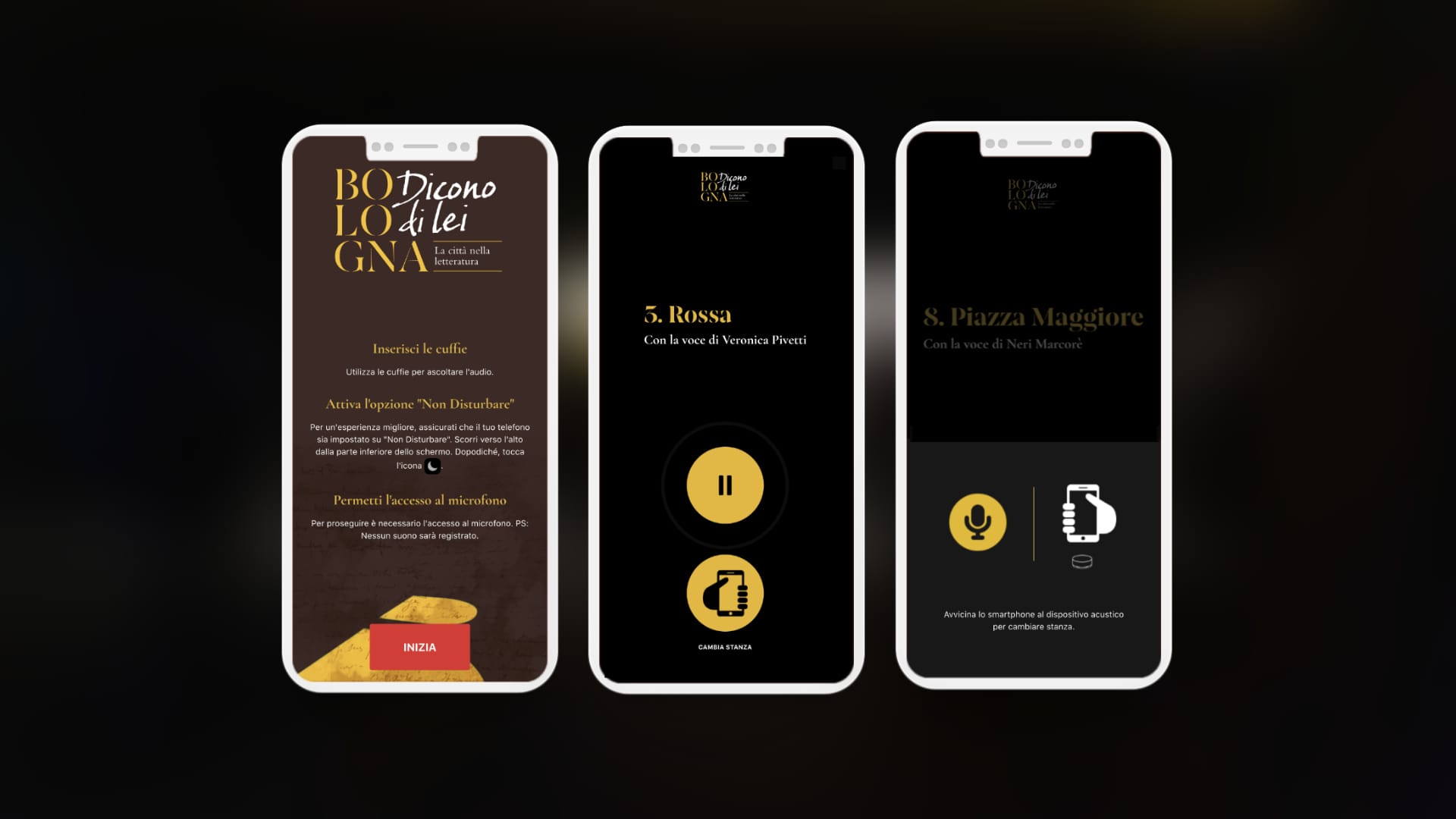
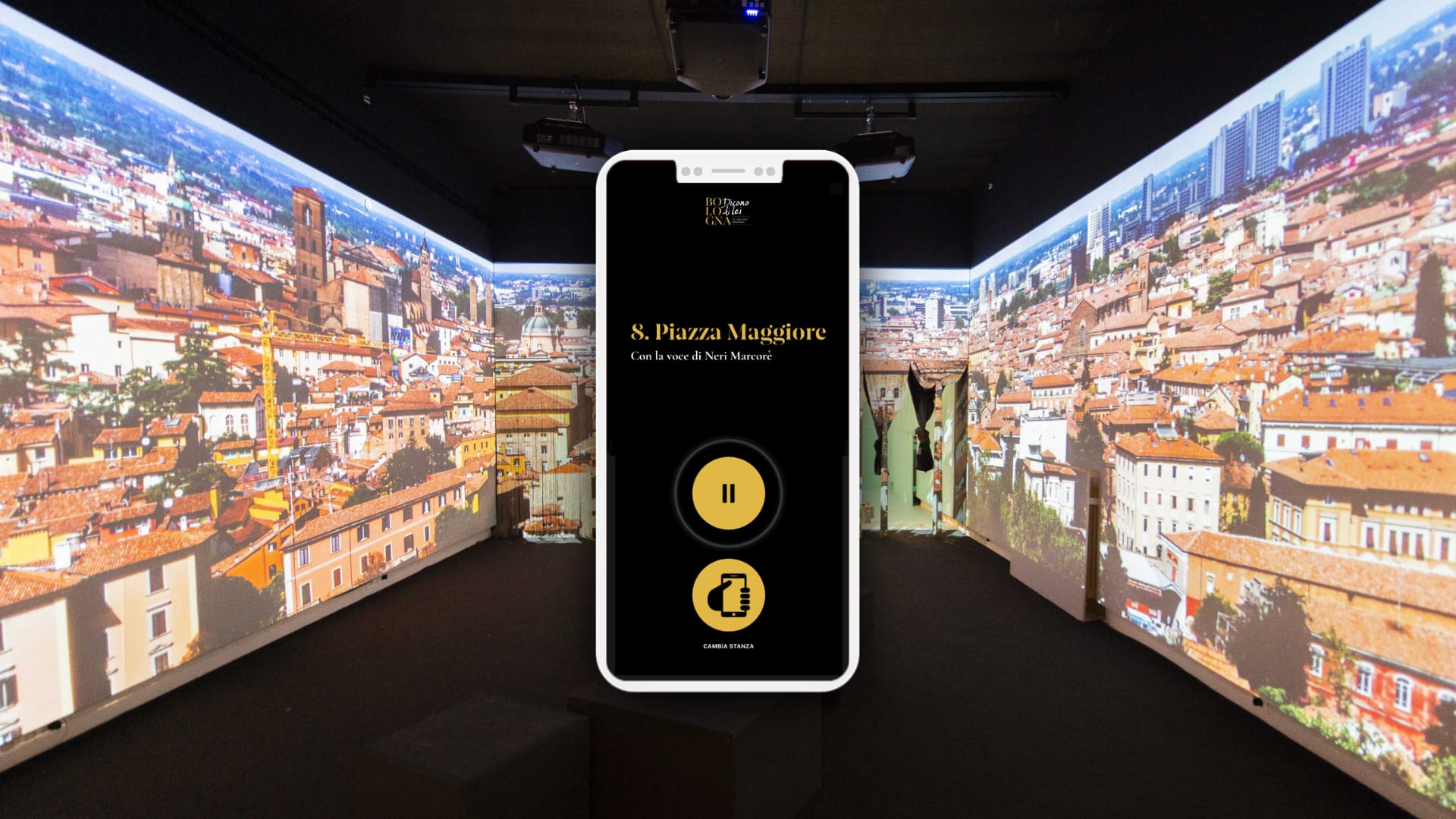
A few years ago I made a digital audio-guide for an interactive exhibition in the form of a Progressive Web App, using a modified version of Quiet.js[0] for proximity, e.g. You enter a room, the phone mic picks up a signal playing in this room and starts an audio track synced with video projected in the room.
Sadly, Safari iOS Web Audio API filtered out everything above ~16khz, so instead of playing the audio at full volume in the room I had to make a few points of contact where you had to place your phone near enough a little speaker (actually a tweeter) to pick the (now) audible whisper but at much lower volume.
By the way, everyone was already wearing their headphones anyway, and it worked like a charm with many people wondering what and how was going on!
There are two kinds of problem solver: The ones that think that a complex problem requires a complex solution and those who try to solve complex problems with elegant solutions.
The first group transfers all the complexity directly to the solution, the latter tries to eradicate complexity by trying to simplify the problem first.
I found that engineers tend to be usually in the first group. Designers (especially UX's) tend to form the second group.
There are so many hidden/obscure keyboard shortcuts in macOS, from time to time a post with a nice collection (and usually some hidden gems) appears on the front page here.
But I always wondered if there is a place where you can find all of them, for reference.
OCR-A looks cool, but my above post isn't saying I want the menus in a machine-readable font, but rather I want the human-relevant parts of the lookup to be both human-readable and machine-readable.
>...I want the human-relevant parts of the lookup to be both human-readable and machine-readable.
There is OCR-B[1] for that. It is widely used as the human readable part of EAN/UPC barcodes used for laser scanners in retail. The relevant thing here is that the human readable part is never OCRed in practice because the barcode can be read much more reliably. OCR-B seems to be recommended simply because it is a well specified (ISO standard), easy to use (no weird licensing), high legibility font. Which is interesting because, as mentioned elsewhere on this thread, you don't really need a special font for OCR anymore. So it is a commonly used font that no longer serves the original purpose of the design. If you trained your OCR only on OCR-B you would likely get get some amount of accuracy improvement, but that would work for any high legibility font.
So the problem would be convincing app designers to read both things, where one of those things is much more reliable. I guess that might make sense for things that require high security, where the false negatives were worth the bother.
Getting back to the original article, OCR-B only has the good OCR characteristics for the upper case Latin characters, like with the QR code size thing, and for the same reason. If you are identifying something you generally want to use the larger, easier to read (both for people and machines), upper case characters. The lower case glyphs were added later to OCR-B as an afterthought.
I'm not sure I see the distinction. if the human readable part is machine readable, there's no need for a separate machine only readable region. I'm on iOS and selecting text from images is assumed by this point. I'm not sure SOTA on Android for that though.
"I would love to see menus printed in OCR-A" just takes a regular human readable paper menu, and increases the success rate if you were to painstakingly scan each page to make a PDF with selectable text. That doesn't solve an actual need when sitting with the paper menu.
Taking a QR code that takes you to a URL, and writing out the URL in text does not enable anything, as you still must have an internet-connected device to retrieve the content, in which case you would most likely be able to scan the QR code anyway.
The point is to have e.g. a QR code, while still having human-readable content for those not having or wishing to use their smartphone in this interaction. E.g., just having the list of things on the menu printed in plain text (e.g., on a wall, over the counter, paper menu, ...), but also having a QR code with images and the ability to order directly to your table - stuff beyond what text would get you.
> Taking a QR code that takes you to a URL, and writing out the URL in text does not enable anything, as you still must have an internet-connected device to retrieve the content, in which case you would most likely be able to scan the QR code anyway
I often see things that I want to "look up later" while I'm passing by, but they only have QR code. I don't know if it is worth the time to stop and scan but if there's a URL I can just read it and remember.
To keep an actual URL for later you'd have to write it down or take a picture of it (which also works for the QR code, either by following it later or keeping the tab open). URL's aren't human-readable or memorizable, nor is it meant to be.
"Easy to remember URLs" are just domains that mostly match the human-friendly name of the place. As you are not memorizing a full URL, you can only really go to the frontpage, and so you can just memorize the name of the place instead.
It's a different story if there's just a random QR code with no clear purpose of ownership, but... maybe don't scan that.
I always find it strange here when I share an experience and people want to tell me why what I experienced was technically impossible. URLs don't have to be human readable but they often are, and the frontpage is probably fine indeed but to get there I need to know the name of the thing or some search term when more and more often--and this is the point I'm making--the only thing I'm given is a QR code.
You misinterpret - I am not saying that what you experienced was technically impossible (you saw a URL, later recreating a valid URL at least partially), but that your interpretation of what happened is neither practical nor possible in the general case, nor is it necessary. Let's try with an example:
You see a poster. "Samsung Galaxy, for real this time. Tune in on 1st of April to watch the ceremony live where we subjugate the last planet in the Milkyway.".
Scenario 1: The poster has a QR code, and a URL: https://events.samsung.com/press-room/world-domination. You memorize the hostname (events, samsung, com), and half a day later you manage to pull up a page for events, select the intended one, and get to the live feed.
Scenario 2: The poster has a QR code, no URL. You memorize "samsung galaxy", or "samsung event", or even just "samsung", and half a day layter you type this into your browser's address bar, which gives you as the first result the live feed you were looking for, or at the very least to samsung's event page.
"memorizable URLs" is not human-readable information, but computer-readable information constructed with certain rules to mimic human-readable information - e.g., the company name mangled to fit URL syntax. The original, unmangled information is easier to remember.
Scenario 3 the poster is a cool looking image with people doing something that interests me. There is a QR code and no other information.
Scenario 3 the poster says something is happening like "Neighbourhood dinner, Sunday at 7 -- Want to help cooking? Scan this code" -- There is a QR code but no information about who is organising it, where it is or how else to contact someone about helping to cook.
Yes, a name serve just as well as a URL, the point is that people begin to believe that a QR code is more convenient than text. Give me a link, give me a name, give me a search term, just give me something more than a QR code.
If you need to add human readable information (which is your scenario), a URL is never the right answer. Write a name or a sentence. Computer-readable information is for computers to read.
Just because something is OCRable doesn't make it structured data that can be used immediately. A table at a restaurant might have a QR code that takes me to a menu with the table number already encoded and pre-entered into the order page ready to go. An OCRable table number does not give me that, and an OCRable URL like https://fragmede.restaurant/menu?table=42 might work for HNers, but most humans won't recognise and understand their table number when going up to the bar to order.
"Fragmede.menu" costs $35 a year, which is roundoff error cost for a restaurant, and is a short-enough domain for a customer who wants to view a menu and order. No need for the "https://" which is implied. Adding a "?table=42" could be optional but isn't necessary, as the website in addition to simply presenting the menu could provide a means to order and if so have a little html input box when ordering to put their table number or whether it is pickup.
Sure it can be done, but there's no denying that a simple scan of a QR code instead of manually typing a URL would make life easier, as would some kind of alternative encoding technology that is more pleasing to the eye.
"if the human readable part is machine readable, there's no need for a separate machine only readable region"
So why are physical venues in 2025 presenting me with QR codes? If there is some randomish number (like another commented pointed out QRs may have a UUID number) or a checksum, then encode those randomish bits as a dotted rectangular outline or a line underneath, so a big QR doesn't ruin my human experience.
I have no idea which restaurants your frequent but take it up with them, not me. having a url written out http://restaurantname.com/menu on a sign that you can take a picture of and click on is functionally the same as a having a qr code that links to the exact same url
Having a short url like restaurantname.menu is not simply functionally the same as a qr code. A QR code is almost meaningless for me to look at...all that it says is that that there is a code hidden within these dots and I maybe can infer that the code contains a url to a menu (and maybe contains random tracking stuff). But restaurantname.menu in text communicates to me that these letters are almost certainly a url for a menu for restaruantname, and it is something that I can verbally say to the other people at my table and remember in my head.
Scanning a QR code is far faster than typing a URL, and you need some sort of a computer to access the URL anyway, so providing a human-readable URL doesn't achieve anything.
A relatively short url like restaurantname.menu is something a human can say and remember, so it does achieve something more useful than a QR code. I might even be able to type or speak a short url quicker into my phone than for me to find the QR code reader feature in my phone and point and hold my phone still.
If they get you to use that QR code, they will get you to visit a URL and maybe show you ads, or sell your information to trackers. I mean with your tracking cookie, you visited a physical location, that's gotta be worth something.
In theory, if every QR in the building was different and they had the right sensors, they could also try to pair your browser fingerprint to your Bluetooth Mac, WiFi Mac, and your face. That pairing would have value on its own.
A simple short human-readable text url that a human can say and remember is not going to have a bunch of ".php?q=trackingcode&..." nonsense (though of course other trackers like cookies may still exist).
I don't know why the parent is getting downvoted...they bring a up very good point that hidden inside these QR codes are a bunch of tracking bits and the QR's ability to include tracking stuff may sadly be a significant reason why we see QRs way too much.
Scanning a multi-page whole menu with a camera does not make it machine readable. And frankly, the menu is not in the qr-code, it is a link to the menu. What sounds appropriate here is to write also the content of the qr-code with plain letters, so one can type it, alongside the qr-code, for those who do not have a camera or whatever.
Now, the problem of requiring a mobile device to see the menu is a problem on its own, and while this is faciliated by having a qr-code vs having customers manually copy links on their phone (either writing them or with OCR), it is 2 separate issues for discussion. Moreover, OCR-A is not needed for any of that anywhere in the 2020s that we live.
The problems with QR code is that sometimes people have older smartphones or camera do not recognise them or, frankly, it being a means of obfuscating sth from humans. I have been in many situations with queues of people struggling for indeterminate reasons to scan a qr code to go fill up sth. If there was a simple link in plain text people could have even shared it between each other. Blindly trusting technology that can easily fail and is unnecessary for what one does and without redundancies is unwarranted imo.
you missed mine. if there is the text http://restaurant.com/menu.pdf I can scan that just as easily as I can a qr code, thanks to advancements in OCR technology.
There is machine readable and consistently machine readable in a limited time under non-ideal lighting conditions with part of the code obscured using only cheap cameras and processors. Barcodes didn't just stop having a purpose in 2025.
Another common hangup is a legible font needs to unambiguously distinguish between lowercase eL (l), capital eye (I), the number one (1), and the pipe symbol (|), or at least for instance only deal with capital letters and numbers.
In principle I agree, in practice I haven't found an OS based filesystem mount that works as reliably as vscode. In particular, I mean the connection is relatively robust, reconnects automatically most of the time after an outage and editing is totally asynchronous, i.e. there's no noticeable pause after saving before continuing editing and no lag (other than what's induced by the electron) when editing.